Device Details
Overview
| Name | Version: | Turn Off By Audio TRACK 1.0 |
| Author: | vozdeanjo1 |
| Device Type: | Audio Effect |
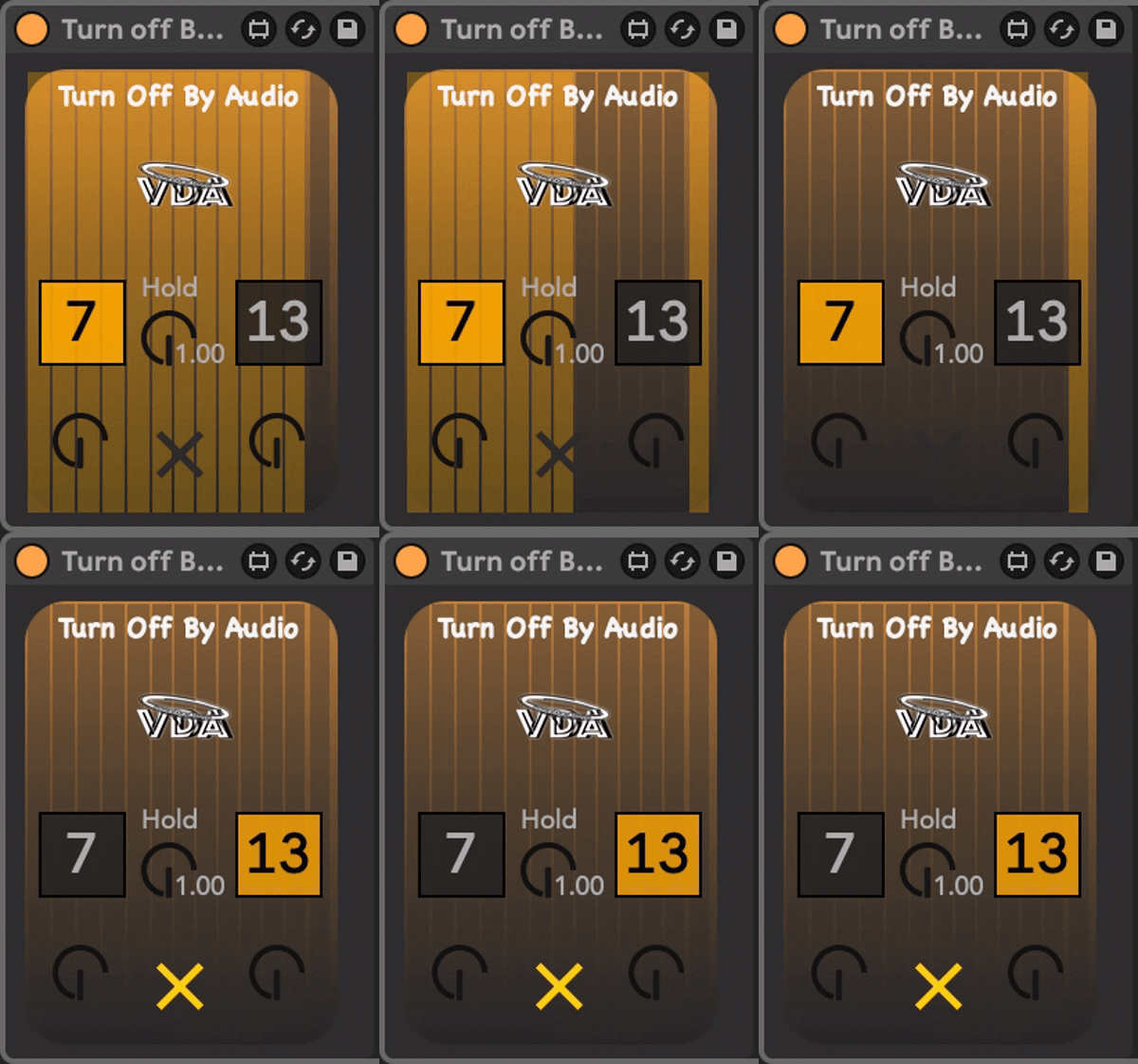
| Description: | This Max for Live device listens for incoming audio and intelligently mutes one track while unmuting the other—perfect for automatic track switching. used in my live looping sessions. This Max for Live device acts as an intelligent audio-triggered toggle, designed specifically for the high-stakes environment of live looping. Instead of manually clicking buttons or hitting MIDI foot controllers to switch between tracks, this device uses the amplitude of your incoming signal to automate the handoff. Inverse State Logic: It ensures that Track A and Track B are always in opposite states. If Track A is Unmuted (Active), Track B is automatically Muted (Inactive). Hands-Free Performance: Perfect for when your hands are busy with a guitar, keys, or a microphone. The music itself dictates which track is "live." Eliminates "Phasing" or Double-Monitoring: By muting the input of Track 1 the moment the loop starts, you don't have to worry about your "live" instrument signal clashing with the "recorded" instrument signal on the same channel. |
Details
| Live Version Used: | 12.0.2 |
| Max Version Used: | 8.6.0 |
| Date Added: | Feb 16 2026 15:54:32 |
| Date Last Updated: | Feb 16 2026 17:59:28 |
| Downloads: | 0 |
| Website: | https://vozdeanjo1.gumroad.com/l/TurnOffByAudio |
| ⓘ License: | Commercial |
Average Rating
Log in to rate this device |
-n/a- |
Login to comment on this device.
Browse the full library